


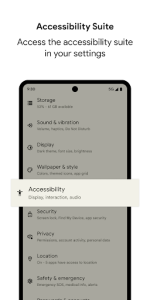
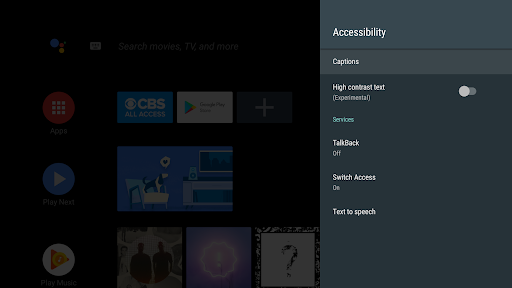

Android Accessibility Suite serves as a vital bridge between users with diverse physical needs and their mobile devices, ensuring that technology remains inclusive for everyone. This essential collection of tools integrates seamlessly into the operating system to provide alternative ways of interacting with the screen. By offering specialized services like spoken feedback and switch control, it empowers individuals to navigate their smartphones with independence and confidence.
Empowering Eyes-Free Navigation
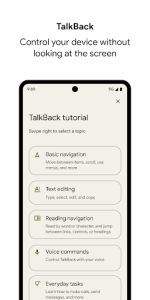
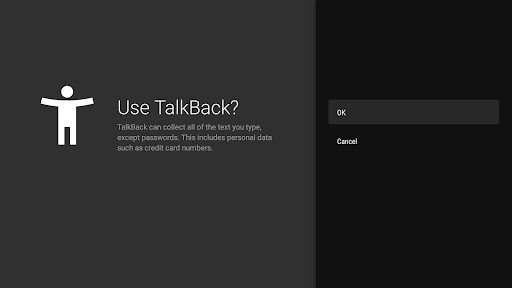
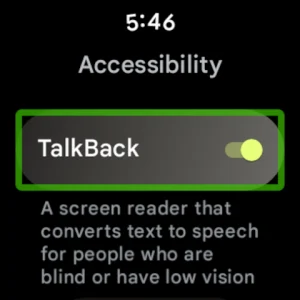
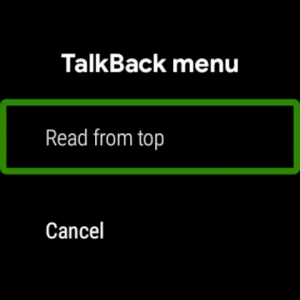
TalkBack stands out as a core component of this suite, providing audible descriptions of everything happening on the display. It allows users who are blind or have low vision to receive spoken feedback about their actions, such as opening apps or navigating through menus. This ensures that the digital world remains accessible without the need for visual cues, turning every touch into a meaningful interaction that feels natural and responsive.
Enhanced Control via Switches
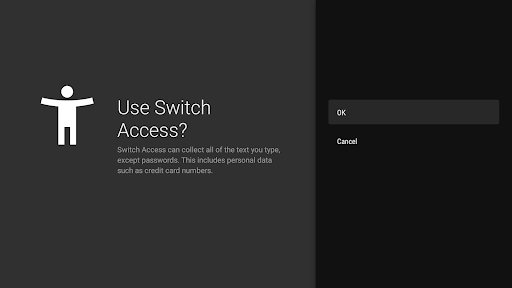
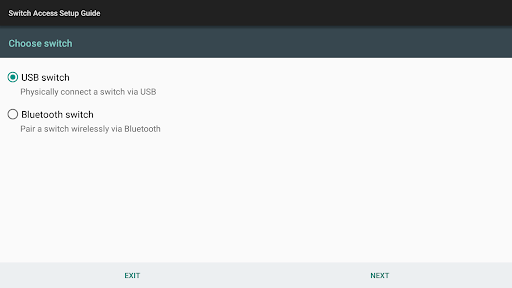
For those with limited manual dexterity, the Switch Access feature provides a revolutionary way to operate a device using external hardware or even facial expressions. This tool maps specific actions to physical buttons or camera-based gestures, allowing users to select items and scroll through content effortlessly. It effectively removes physical barriers, making the smartphone experience truly universal for people with motor impairments who might otherwise struggle with traditional touchscreens.
Intelligent On-Screen Text Reading
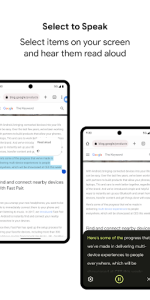
The Select to Speak function offers a convenient way to hear specific text or image descriptions read aloud on demand. Users can simply tap an item or drag their finger across the screen to have the system narrate the highlighted content immediately. This solution is particularly helpful for individuals who experience eye strain or those who find it easier to process information through auditory channels, providing a hands-free way to consume long articles or messages.
Simplified System Menu Access
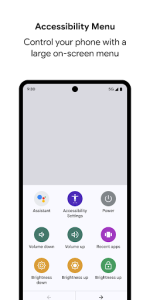
The Accessibility Menu provides a large, easy-to-navigate on-screen overlay that grants quick access to essential system functions like volume and brightness. By utilizing Android Accessibility Suite, users can trigger common actions with a single tap on prominent icons instead of struggling with small physical buttons or complex gestures. This streamlined interface simplifies daily tasks, ensuring that managing the device remains a stress-free experience for users of all skill levels.
Visual Customization and Clarity
Beyond interactive tools, the service offers deep customization for visual elements to improve readability across the entire interface. Users can adjust font sizes, contrast levels, and color corrections to suit their specific visual requirements or environmental conditions. These adjustments ensure that every piece of information is legible, reducing cognitive load and making long-term device usage much more comfortable for those with color blindness or light sensitivity.













Write a review